
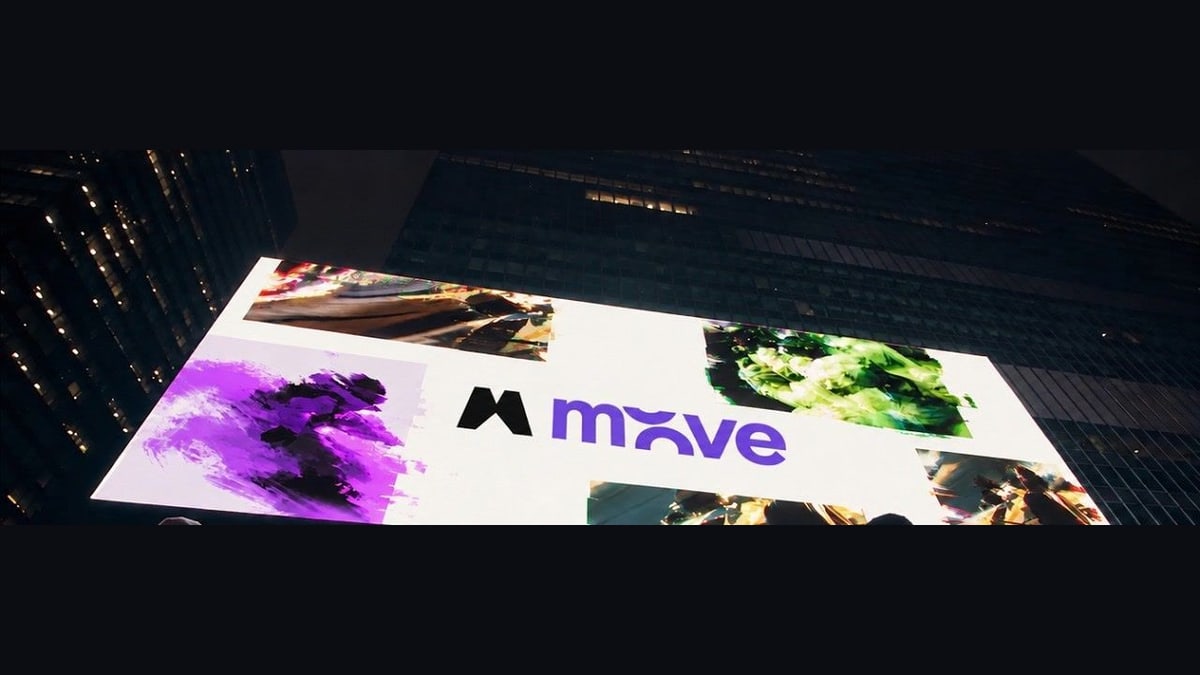
Magnific, a company that makes AI tools for images and video, launched Move on Oct. 28. It makes motion graphics: the animated titles, charts, logo reveals and slides that fill ads, launch videos and social posts. You write what you want, or start from a template, and Move builds a first version that, Magnific says, can include text, shapes, pictures, transitions, music and a voiceover. Then you ask for changes in your own words and download the result as a video file.
Magnific says the difference from most AI video tools is how Move handles changes. Magnific says Move builds each motion graphic as code, a written set of instructions for what appears on screen and when, rather than as a finished picture. So when you ask for a bigger title, the company says, Move's AI rewrites only that part of the instructions and the rest stays the same. Most AI video tools, it says, make the whole clip again with every change, and the parts you liked may not survive.
Magnific says this is possible now because newer AI can plan its work, write code, check the result and fix its own mistakes. Move runs on HyperFrames, a tool from the company HeyGen that lets AI write a motion graphic as web page code, preview it, check it frame by frame and turn it into a video. If a request is vague, such as "the end looks boring", Magnific says Move asks which part you mean instead of guessing. You can also pause the video, click a spot and leave a note, and every change is saved as a new version you can go back to.
Move is available now on Magnific's website, under Motion graphics. It can use Magnific's other AI tools to make images, video clips, music and voices for a project, and can redo a design for tall, square or wide screens. Videos can run up to three minutes. Each new version costs credits, and the company's guide says editing a design uses few, while making new images, video or audio for it uses many more.
Magnific's own guide is more careful than its launch post: it says to check each new version, including the parts you wanted to keep, and to review the finished video before using it in a campaign. It also says Move is not meant for making video footage from scratch, and points to Magnific's separate video generator for that, though Move can build clips into a design.