
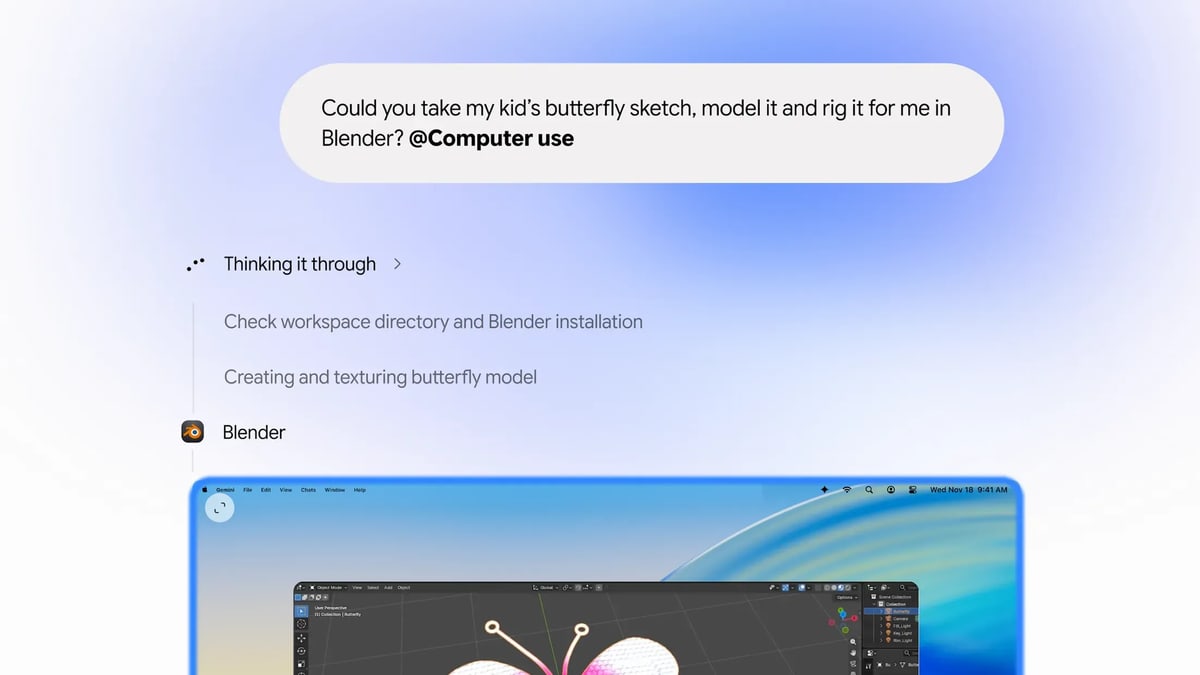
Google said on Thursday, Nov. 19, that the Gemini app for Mac can now carry out tasks that take many steps by clicking and typing its way through a person's desktop apps and websites, alongside their files. People describe what they want done, and Gemini does the clicking, typing, menus and forms itself. Google calls the feature computer use. Google says it saves time on repetitive work that normally takes dozens of clicks.
Gemini works in a separate window that runs in the background, with a live preview in the chat, and Google says the person's own screen and pointer stay free while it works. Google says people choose which apps Gemini can use, can watch each step and pause at any time, and approve key actions before they happen. Google's examples include adjusting the color of a batch of photos in design software and copying weights, sizes and addresses from PDF files into a shipping quote form. Others are building a Google Slides presentation from figures on live dashboards, and getting listings ready to post on resale sites from photos of clothes in a folder.
Computer use is rolling out in English in the U.S. It needs a Mac with an Apple chip running macOS Sequoia 15.0 or later, and a personal Google account belonging to someone 18 or older. It comes with Google's AI plans: AI Plus, listed at $4.99 a month in the U.S., AI Pro at $19.99 and AI Ultra from $99.99. Tasks count against Gemini's usage limits, which rise with pricier plans.
Gemini's tasks could already use files in folders a person connects, Google apps such as Docs, and websites through the Chrome browser. Computer use reaches the person's other desktop apps as well, and works through websites in its own window.
Google calls Gemini's ability to handle tasks experimental, and its help pages carry several warnings. They say Gemini is still learning and can make mistakes, and that it can permanently delete files and send or share them with others, though it is designed to ask first. Files may not be recoverable once Gemini has finished a task on them. When Gemini works with files on the computer, it makes temporary backups, which a person can restore before moving on and which are deleted after 24 hours or when a new task starts. Google also warns that hidden instructions on a website, in an email or in a document could trick Gemini into doing things the person never asked for, such as posting private information on a public website. Google says Gemini may also share a person's name, contact details or files with websites when it uses a web browser for a task. Google advises keeping it away from tasks that use information or actions a person finds sensitive. It says Gemini's safeguards do not guarantee protection against every risk.
Google has not said how well computer use does on real tasks, or when it will reach other countries, languages or computers other than Macs.